The problem
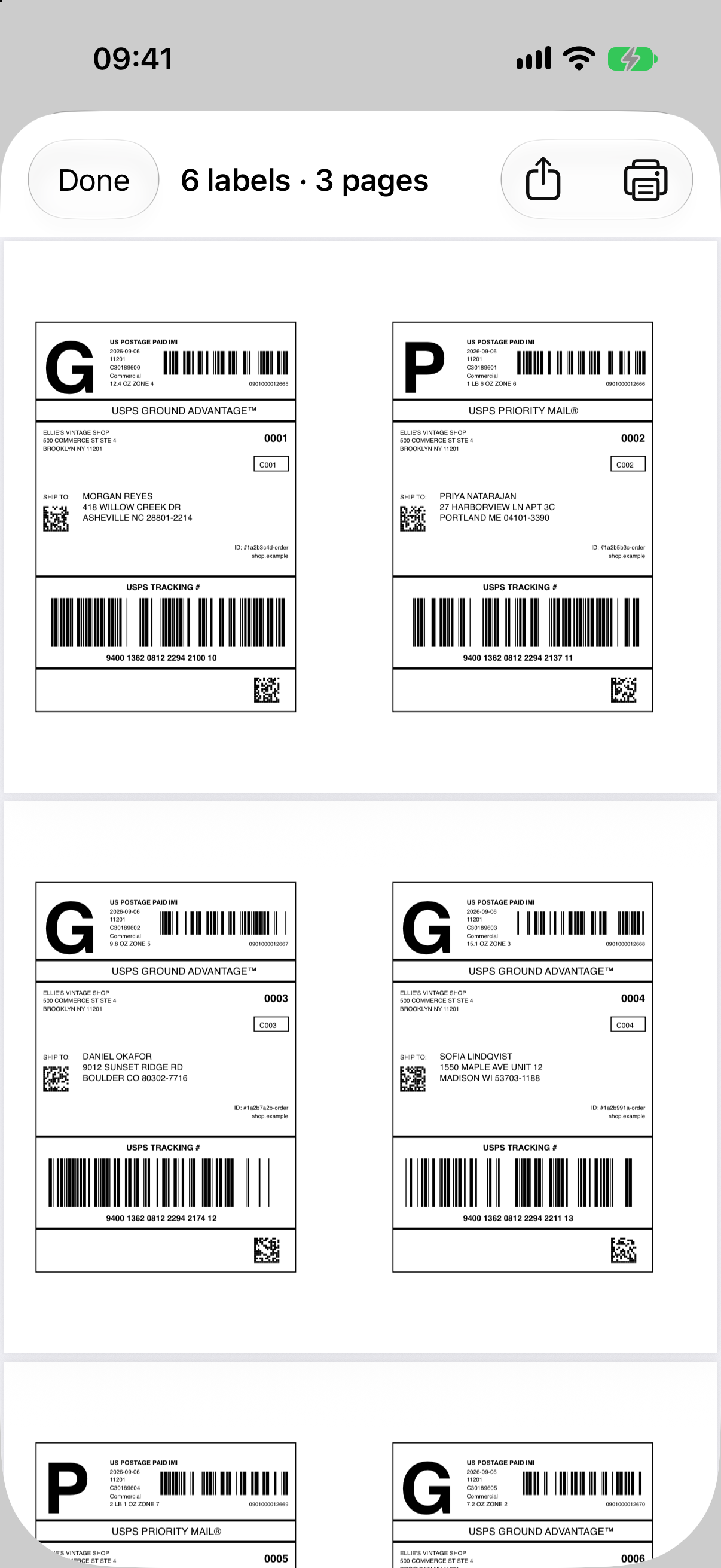
Marketplaces and carriers hand you one label per PDF, sitting on the left half of a full page. Print a stack of orders and you throw away a stack of half-blank sheets.
Half of every page is blank.
Same label size. Same page size. Half the sheets.
How it works
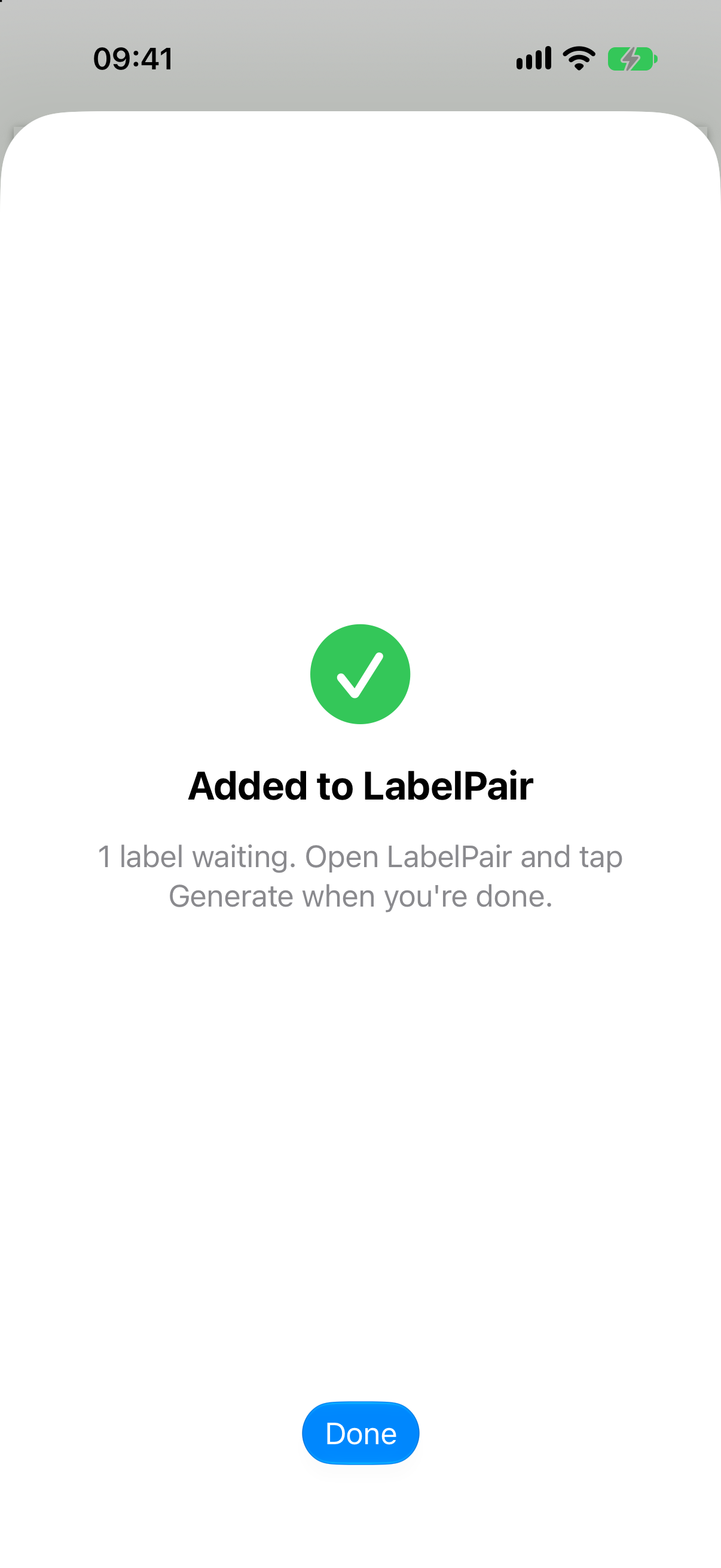
In your marketplace app, Mail, Files or Safari, tap Share on the label PDF and pick LabelPair. It's added to the queue. Keep going through your orders.
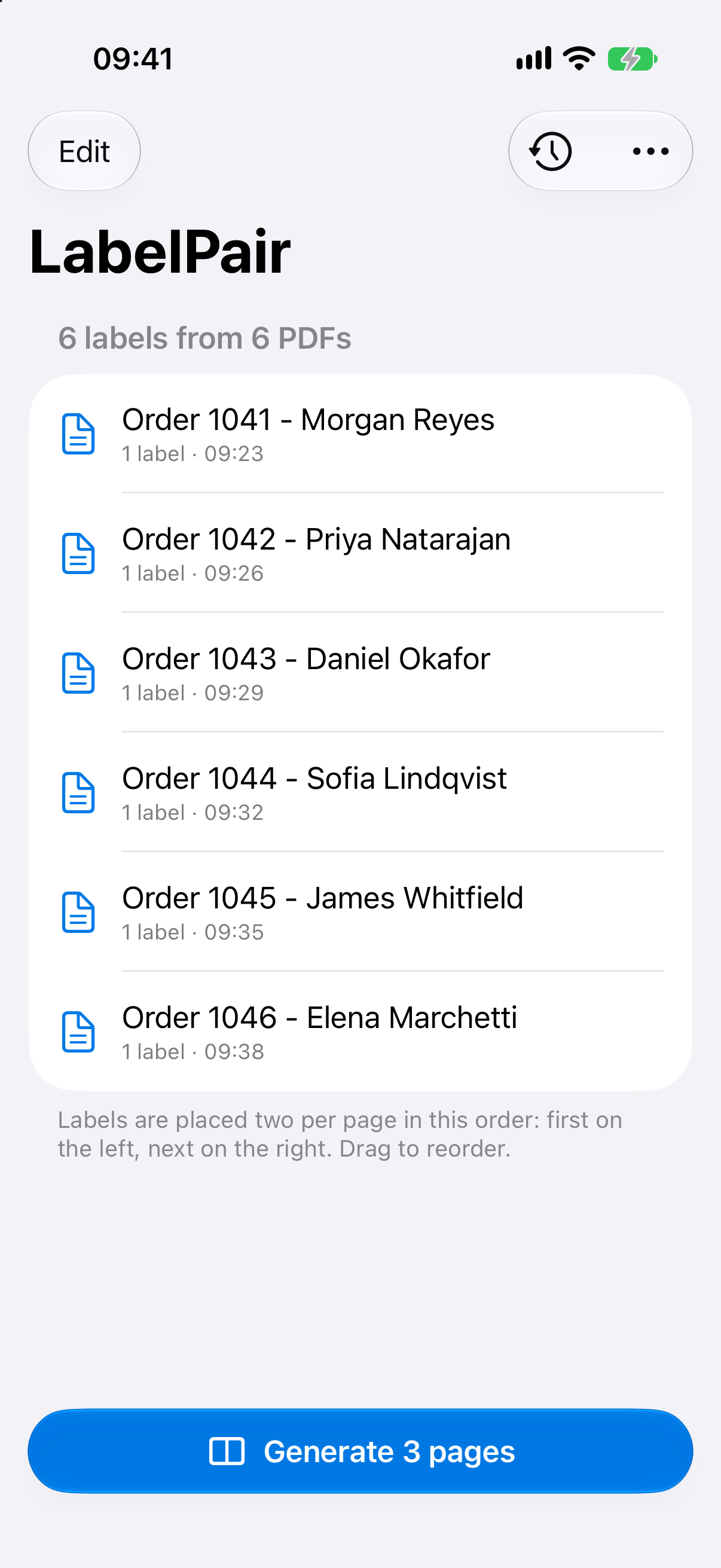
Open LabelPair. Every label is listed in the order it arrived. Drag to reorder, swipe to remove. The button already tells you how many sheets you'll get.
Tap Generate. Labels are paired left and right on pages that match the original size. Print with AirPrint or share the PDF anywhere.
Features
If an app can share a PDF, it can send it to LabelPair. No integrations to set up, no accounts to connect.
Output pages keep the original page size and orientation, so labels print at exactly the size the carrier expects.
Got a PDF with five labels in it? Every page becomes one label. Mix single- and multi-page files freely.
Drag labels into the order you want them printed. Swipe away anything that snuck in by mistake.
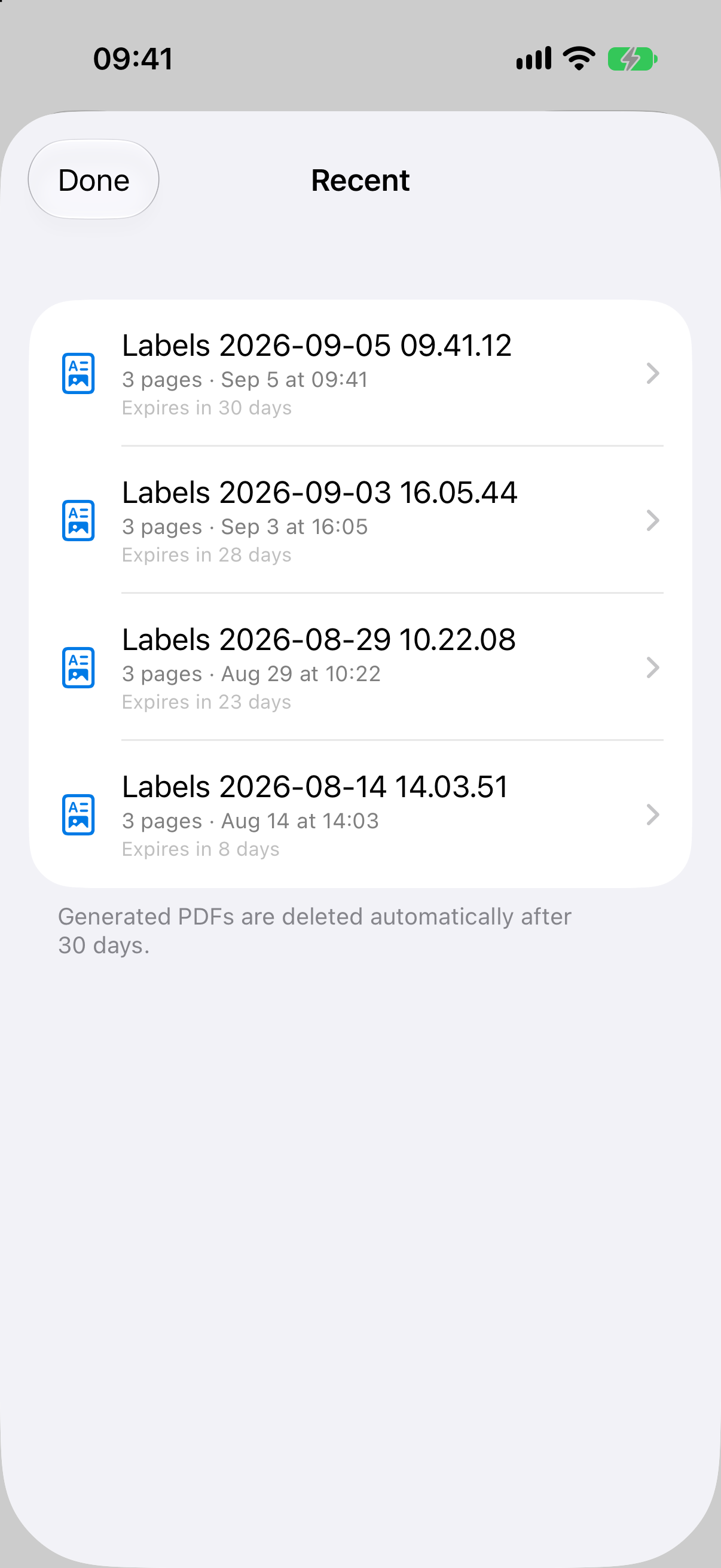
Every generated PDF stays in Recent for a month. Printer jammed? Reprint the batch without sharing everything again.
No account, no analytics, no network access at all. Your customers' addresses never leave your device.